Promo text. Edit or remove in the administration.
Neural Engine & Ai
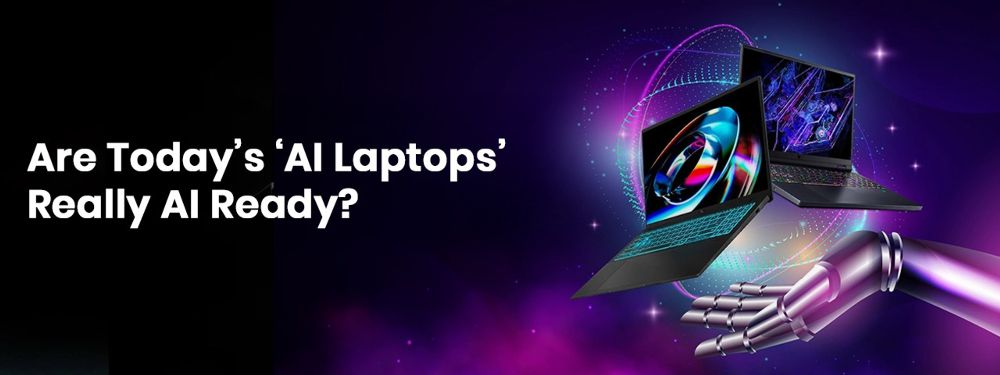
Every brand today claims their latest laptops are AI-powered or AI-ready. But here’s the truth — AI performance doesn’t just depend on hardware. It depends on how well your software ecosystem can use that hardware.
Right now, most AI laptops are still waiting for the software world to catch up. You can buy the newest machine today, but it won’t unlock its true AI potential until AI-ready applications become mainstream — and by then, newer, more powerful laptops will already be here.
The Brains Behind AI-Ready Performance
For a laptop to truly handle AI, it needs specialized components designed to process massive data efficiently, run neural models, and stay cool while doing it.
Let’s break it down simply:
| Component | Role in AI Performance |
|---|---|
| CPU (Central Processing Unit) | Handles a wide range of everyday tasks at a consistent pace. Think of it as your multitasker — doing multiple things steadily. |
| GPU (Graphics Processing Unit) | Processes heavy data in parallel, especially useful for AI visuals, simulations, and model training. It’s built for speed and scale. |
| Neural Engine / NPU (Neural & Processing Unit) | A dedicated section of the chip that powers AI-specific workloads like image recognition, voice assistants, and generative tasks. |
| Temporary Memory (RAM) | AI models need fast, accessible memory to process large data chunks — faster RAM directly impacts AI responsiveness. |
| Heat Management System | AI tasks are heavy on computation — without efficient cooling, performance drops due to thermal throttling. |
Hardware is Ready. Software Isn’t (Yet).
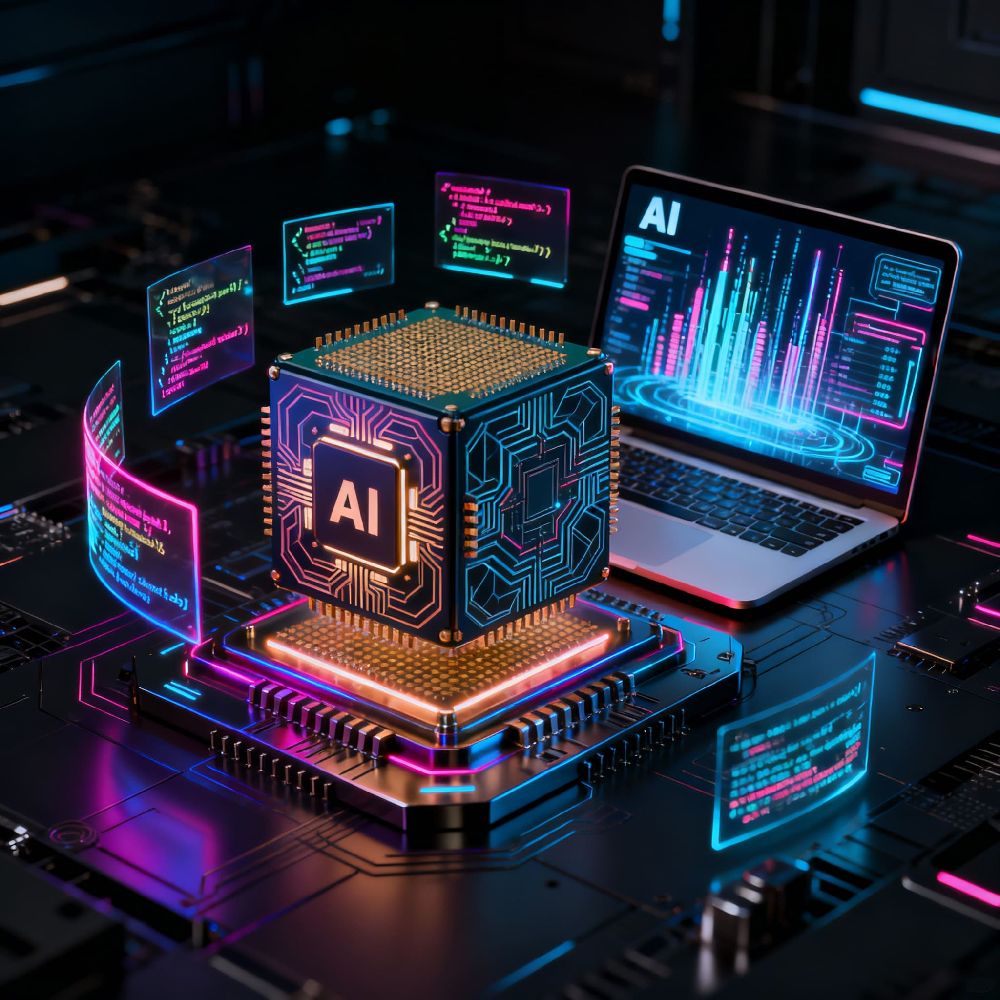
Even though the latest processors (Intel, AMD, Apple) are now integrating NPUs and AI cores, most software is still not optimized to use them. Once developers update their applications to leverage AI engines, the difference will be massive — faster processing, smarter workflows, and on-device AI that doesn’t need cloud access.
Until then, AI laptops are more future-ready than AI-ready.
Personal AI That Lives Inside Your Laptop
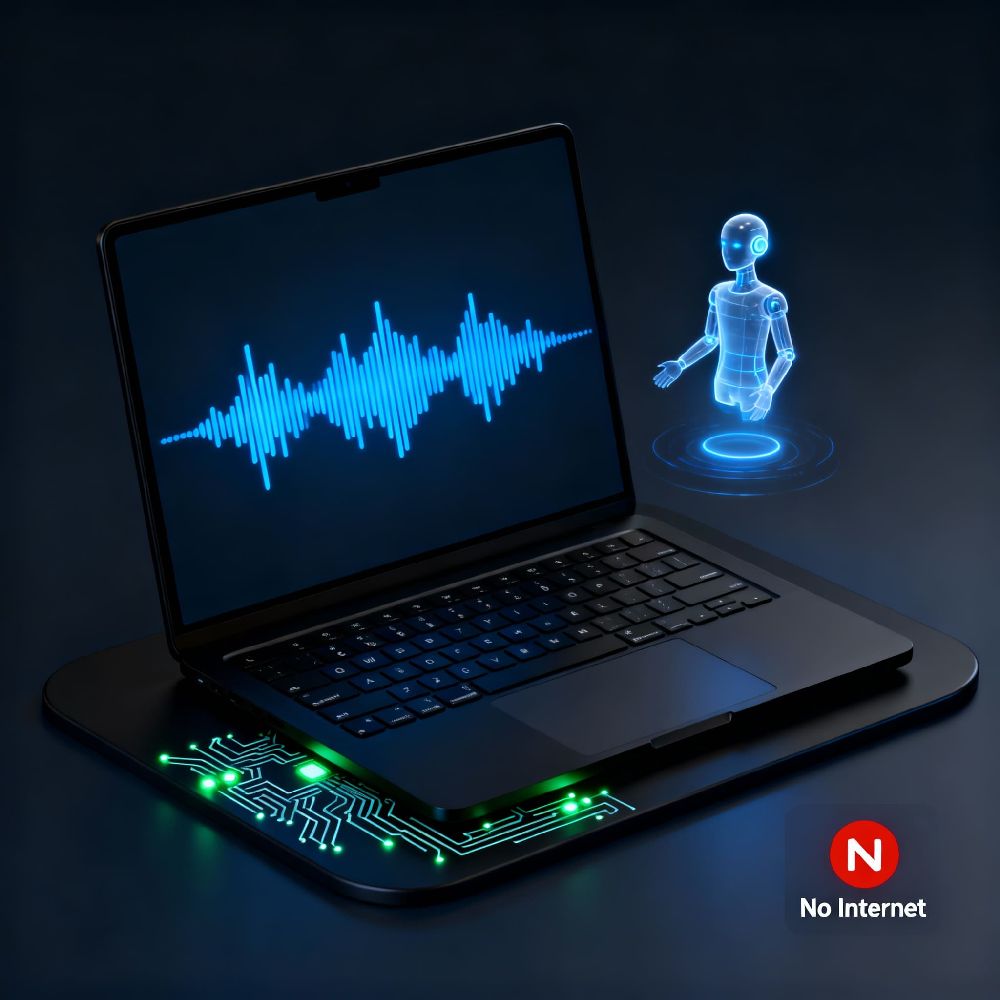
Imagine talking to your laptop like you talk to a person — it listens, understands, speaks back, and executes tasks locally.
No internet dependency. No data sent to third-party servers.
That’s the kind of on-device AI the future holds — powered by local NPUs and optimized software.
But for now, NPUs aren’t game changers — not until software learns how to use them efficiently. When that happens, non-AI hardware will quickly become obsolete unless it has a strong discrete GPU that can handle the load.
AI Laptops Are the Future — But Not the Present
Buying the latest AI laptop today doesn’t make your work instantly smarter. Until software becomes fully AI-integrated, you’re paying for future potential, not current performance.
So the real question is — what’s worth your money today?
At Future Forward IT, we guide you towards smart, futureproof choices, not hype.
We help you test real-world performance and identify what’s truly optimized for your needs — so your laptop works hard today, not “someday”.